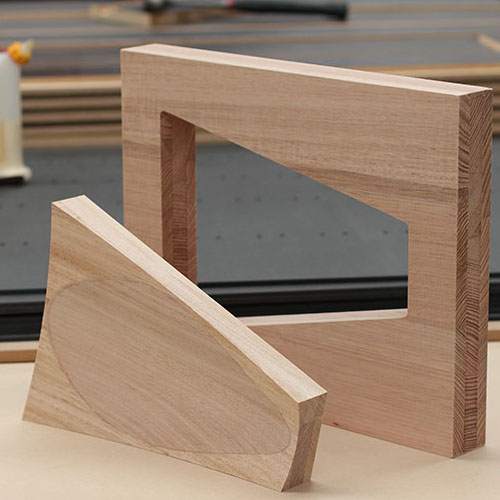
The Profile is simply the outline of the desired shape – you can think of it as the outline of the silhouette of the cut part. But there are a few things to keep in mind:
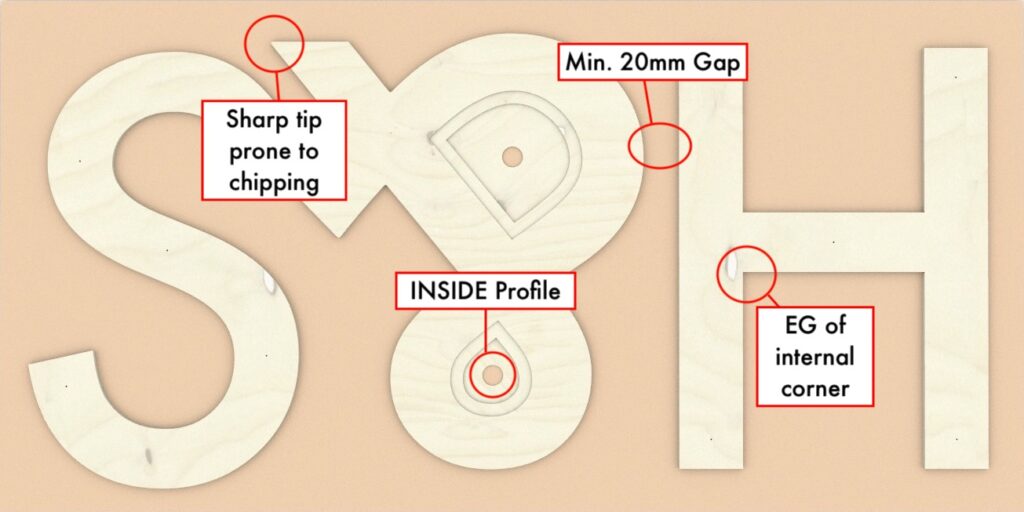
Pocketing is one capability that separates CNC milling from laser or water-jet cutting. In this example pockets allow for backlit translucent acrylic.

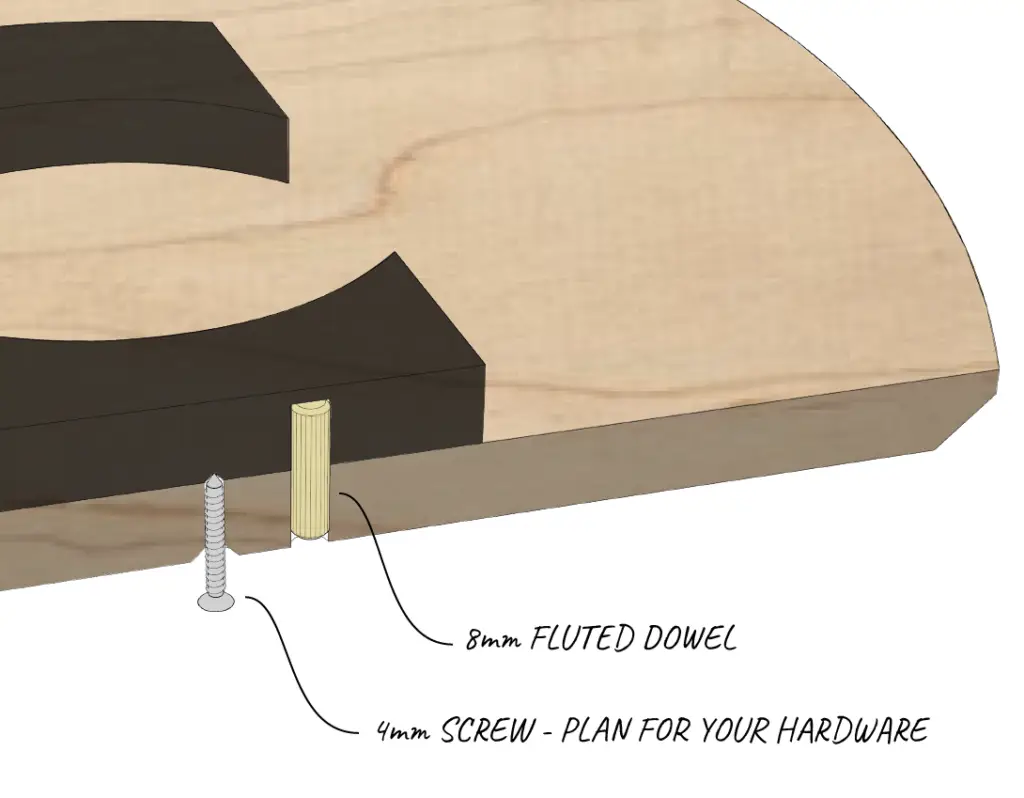
Including drill holes, such as pilot holes for screws, saves a lot of effort down the line. Drills can also be used to make locating holes – choose your hardware in advance.
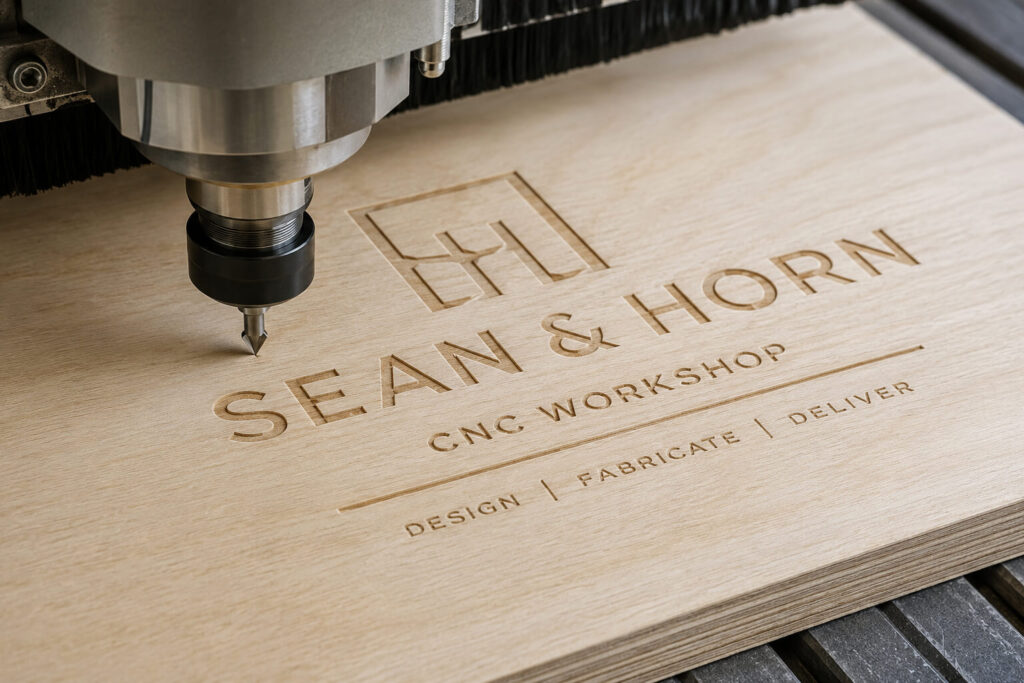
Engraving adds detail, branding and functionality to projects produced on a 3-axis flatbed CNC router. Using V-bits, round-over cutters or other moulded tooling, shallow toolpaths can create crisp text, logos, decorative patterns, wayfinding signage and recessed graphics without cutting through the material. Engraving works across plywood, MDF, plastics and selected solid timbers, making it ideal for furniture, retail displays, architectural joinery and custom fabrication. Combined with profiling, pocketing and drilling in a single machining process, CNC engraving delivers precise, repeatable results while reducing secondary operations and improving the finished appearance of every project.
3D CNC machining allows complex curved surfaces and sculpted forms to be produced with exceptional accuracy. Using ball nose cutters and specialised finishing toolpaths, a flatbed CNC router can machine smooth contours, radiused edges and organic shapes that would be difficult or impossible to create by hand. This capability is ideal for furniture components, moulds, prototypes, signage and architectural features, delivering consistent, repeatable results while reducing manual finishing and ensuring every part meets the required specification.